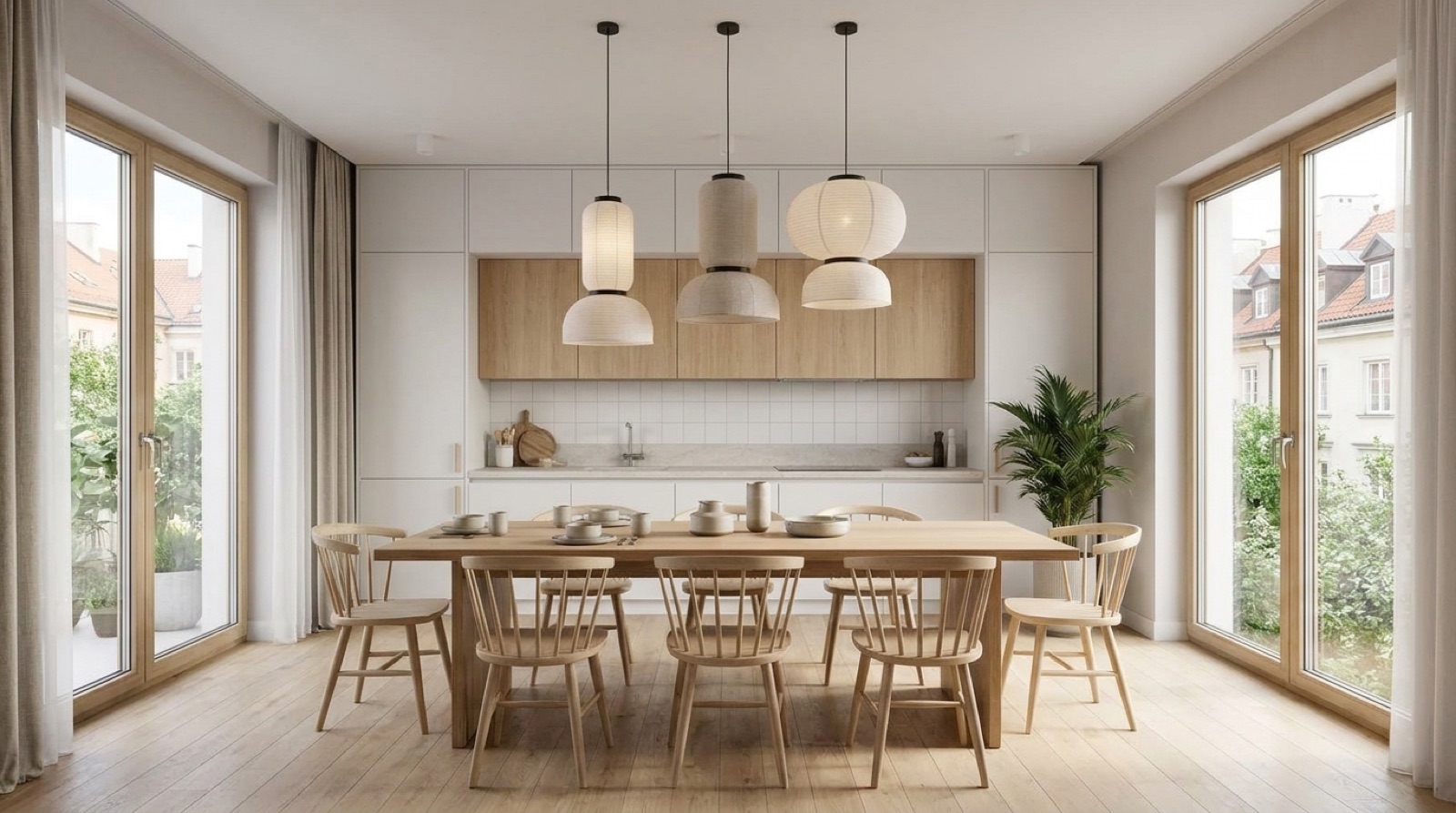
A 360 panorama looks three dimensional, but it is a trick. The image is a flat photo wrapped around the inside of a sphere with you at the centre; the camera has no idea where the walls are, how big the room is, or what is floor versus furniture. Every pixel is just a direction and a colour.
So how does Pano turn that into a dollhouse you can orbit? You tell it where the room is, by tracing it. The interesting part is how little tracing it needs.
The information hiding in a corner
When you click a floor corner in the panorama, you give Pano a direction from the camera to that corner. One corner alone is ambiguous, because a nearby small room and a faraway huge room would look identical. The ambiguity breaks when two facts get fixed:
- The camera height. You shot at, say, 155 cm. That turns directions to floor points into real distances, because the geometry of where the floor plane sits is now known.
- Floors are flat and walls are vertical. Rooms are boxes, mostly. This assumption lets every traced floor corner project upward into a wall edge.
With those two anchors, each click does real work. Trace the floor line of a room, four clicks for a rectangular one, and the full wall geometry follows: positions, lengths, and, once you set the ceiling height, the complete box.
The ghost wall moment
In the editor this is the moment that surprises people: as you click corners, a ghost wall rises under your cursor, live. That wall is the projection of your floor trace up to ceiling height, drawn back onto the panorama so you can check it against the photo. If the ghost wall's top edge lines up with the real ceiling line in the image, your trace is right. It is instant visual feedback on a geometry problem, and it is why tracing a room takes about a minute.
Where the textures come from
Once the walls exist as geometry, Pano knows which pixels of the panorama land on which wall, because every pixel is a direction and every wall is now a known surface in that direction. The photo gets unwrapped from the sphere and re-projected onto the walls and floor. That is why the dollhouse is photo textured with zero extra photography: the texture was in your panorama all along, it just needed surfaces to land on.
Parts of the floor hidden under furniture have no pixels, which is why Pano offers clean floor styles, photo, flat, or grid, and why furniture enters the dollhouse as massed volumes rather than cutouts.
Why this beats a scanner for listings
Dedicated depth scanning rigs measure rooms without any tracing, and they cost accordingly, in hardware, in processing time, in file weight. The tracing approach rides on photos you already shot with any 360 camera, runs in a browser, and produces a model that loads instantly on a buyer's phone. For a listing, that trade is not close.
The result: one minute of clicking per room, and the camera that only knew directions and colours now knows the shape of the home. Tap Dollhouse in the player and fly out of the photo into it.