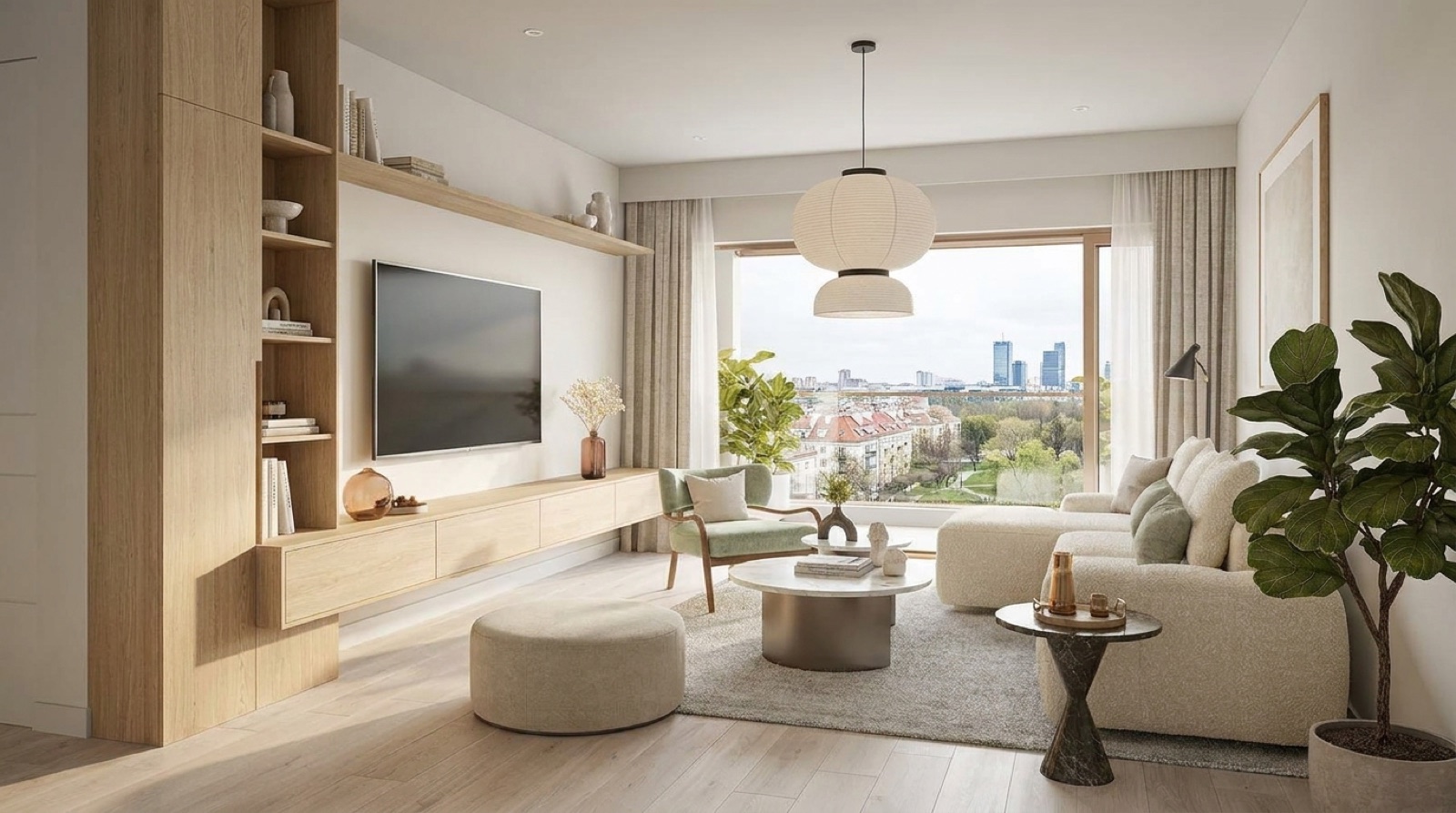
The dollhouse view gets more convincing the moment furniture shows up in it. An empty 3D shell reads like an architectural model; the same shell with a sofa, a table, and a bed massed in place reads like a home. The magic wand is how that furniture gets there, and it takes one click per piece.
What you see
In the Pano editor you hover the cursor over any piece of furniture in the panorama. The built in AI draws an outline around it, live, following the actual shape of the sofa rather than a rough box. Click once and Pano lifts that selection into the dollhouse as a simple 3D volume, standing in the right spot on the floor.
What happens underneath
Three things run in sequence, all inside your browser:
- Segmentation. A vision model looks at the region under your cursor and predicts which pixels belong to the same object. This is why the outline hugs the armrests instead of cutting through them.
- Grounding. Pano projects the selected shape onto the room's floor using the wall and camera geometry you traced when you built the 3D room. That places the object at the right position and scale.
- Massing. The footprint is extruded into a clean volume with an estimated height. Not a detailed 3D scan of your sofa, and deliberately so: a calm block communicates size and position without pretending to be a photoreal model.
Nothing uploads to a render farm and there is no processing queue. The model runs locally in the browser, so selection feels like using a photo editor, not like submitting a job.
Why volumes beat photoreal scans here
Full photogrammetry rigs produce impressive furniture, along with big files, long processing, and glitches where the mesh melts. For a listing, buyers need to know that the bed fits and where it sits relative to the window. Simple volumes answer that instantly, keep the tour loading fast on a phone, and never melt.
Practical tips
- Select the big pieces only: sofa, bed, dining table, wardrobe. Five volumes tell the story; twenty clutter it.
- Shoot your panoramas with furniture pushed to its natural position first. The wand can only place what the photo shows.
- If the outline grabs too much, move the cursor to a cleaner part of the object and try again. The prediction follows your hover point.
Magic wand selection ships with the dollhouse on Pro and Studio plans, and it runs on every tour you have already shot. No new photos needed, just a few clicks on the furniture you already captured.